I used to think audiobooks were cheating. Not really cheating, obviously — but my grandmother said “reading” and “listening” weren’t the same thing, and for a long time, I just believed her. Then I took a job with a 45-minute train commute each way. My “to-read” pile sat there collecting dust. I doom-scrolled instead. Every single day.
So I downloaded an app. Then another. Then six more. Over the past year I’ve bounced between nearly every major audiobook platform out there, cancelled more free trials than I can honestly count, and annoyed my partner more than once by rambling about narrator voices at dinner. Picking a single best audiobook app is nearly impossible — everyone listens differently — so I did the testing so you don’t have to burn your own money figuring out the best audiobook apps for your habits.
This isn’t a rehashed “top audiobook apps” list copied off someone else’s spreadsheet. Every app below, I’ve actually used — commuting, cooking, falling asleep to it, all of it (yes, sometimes mid-chapter, sorry to whoever narrated that book). By the end of this, you’ll know exactly which of the best audiobook apps fits your budget, your library card, and your patience for subscriptions.
What to Look for in an Audiobook App
Before I get into my rankings, here’s what actually matters when you’re comparing audiobook listening apps. Glossy app store screenshots don’t tell you any of this — trust me, I learned that the hard way.
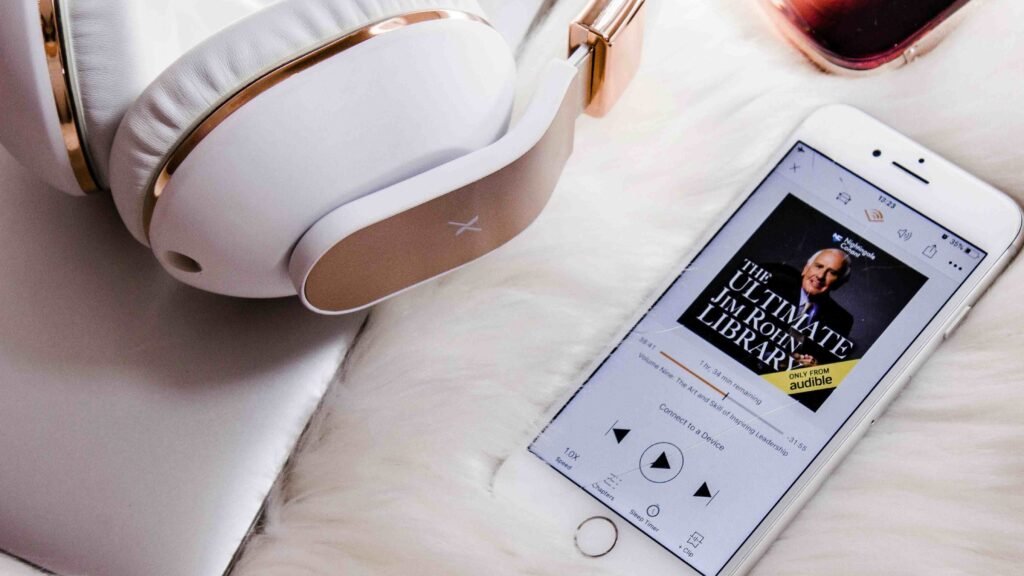
Offline downloads. Audiobook files are huge, and streaming drops out the second you hit a subway tunnel or a dead zone on some backroad. If an app can’t download files for offline listening, honestly, it’s dead to me.
Resume across devices. I start a book on my phone during my commute, switch to a tablet on the couch, then finish a chapter through headphones on a walk. Simple as that. If your progress doesn’t sync automatically, you’ll lose your place constantly — and that’s a dealbreaker for the best audiobook apps, full stop.
Speed and sleep controls. I listen at 1.25x most of the time. Sometimes 1.5x, if the narrator talks slowly. And I fall asleep to audiobooks embarrassingly often, so a built-in sleep timer isn’t a nice-to-have — it’s non-negotiable.
Library scope. Some apps nail new releases and bestsellers. Others are stacked with public-domain classics. A few even tie into your local library card. The best apps for audiobooks usually specialize rather than trying to do everything at once.
Platform compatibility. Android, iPhone, desktop browser — I tested across all three. Whether you’re listening on a current device or checking when the iPhone 18 comes out, a few apps genuinely fall apart the moment you leave their main platform.
Keep those five things in mind and you’ll dodge the mistake I made early on when hunting for the best audiobook apps: picking something because the logo looked nice, not because the features actually mattered.
Top Audiobook Apps – My Picks
Here’s my hands-on ranking of the best audiobook apps I tested this year, starting with the household name and working through a few options you might not have heard of yet.
1. Audible
What it does: Amazon’s audiobook giant, with the single biggest catalog of any app I tested.
What I love: The catalog is genuinely massive — over a million titles, and it’s rare I search for something and come up empty. It’s also the highest-rated app on this entire list, sitting at 4.9★ from 5.5M+ reviews (which, honestly, is a wild number). Credits roll over if you don’t use them.
What could be better: The tier structure trips people up, and it tripped me up too the first time. The cheaper Standard plan gets you one book a month plus a curated library, but you lose access to everything if you cancel. Premium costs more, but you keep every book forever, even after cancelling.
Pricing: Standard is $8.99/month (1 credit, access revoked on cancel); Premium is $14.95/month (1 credit, books yours to keep).
Best for: Heavy listeners who want the deepest catalog and don’t mind paying for it.
2. Libby
What it does: A free app that connects directly to your local library’s audiobook collection.
What I love: It’s free. It’s polished. And it consistently pulls a 4.9/5 rating from over 4.4 million App Store reviews — one of the highest-rated apps on this entire list, free or paid. If you’ve got a library card, this might genuinely be the best free audiobook app here.
What could be better: Popular titles have waitlists, sometimes weeks long. Patience is just part of the deal with this one.
Pricing: Free with a library card.
Best for: Anyone who wants one of the best audiobook apps without spending a cent.
3. Spotify
What it does: Bundles a set number of audiobook listening hours into your existing music subscription.
What I love: If you’re already paying for Spotify Premium, getting 15 hours a month of audiobooks feels like a genuine bonus — not another bill to worry about.
What could be better: 15 hours barely covers one longer book. And the catalog, around 350,000 titles, still trails Audible by a mile.
Pricing: Included with Spotify Premium; extra hours available for purchase.
Best for: Casual listeners who don’t want a separate subscription.
4. Libro.fm
What it does: An audiobook app built specifically to support independent bookstores.
What I love: Every purchase can be credited to a local bookstore of your choosing, and the files are DRM-free — so you genuinely own what you buy, no strings attached.
What could be better: The catalog is smaller than Audible’s, and there’s no ad-supported free tier.
Pricing: Per-book or monthly credit plans, similar to Audible’s pricing.
Best for: Book lovers who’d rather their money went somewhere other than a mega-corporation.
5. Google Play Books
What it does: Pay-per-book audiobook purchases tied to your Google account.
What I love: No subscription at all. You buy what you want, when you want it, and it lives in your library forever.
What could be better: Without a subscription discount, individual titles can end up costing more over time than a credit-based plan would.
Pricing: À-la-carte, per book.
Best for: Infrequent listeners who don’t want a recurring charge — arguably the best app for audiobooks if you only get through a couple of titles a year.
6. Hoopla
What it does: Another library-linked app, but without Libby’s waitlists.
What I love: Borrow instantly — no waiting in line behind other patrons, which still feels like cheating somehow. It’s rated 4.8/5 from over 1.4 million reviews, and it doubles as a borrowing app for movies, TV, and comics too. That alone makes it one of the best free audiobook apps for impatient people like me.
What could be better: Most libraries cap how many titles you can borrow per month.
Pricing: Free with a library card.
Best for: Listeners who hate waitlists and don’t mind a monthly borrow cap.
7. Everand
What it does: A subscription service bundling audiobooks, ebooks, and more into one flat monthly fee.
What I love: The Standard plan is genuinely cheap for what you get, and there’s a smaller “included” catalog of 20,000+ titles you can read or listen to without spending a credit at all.
What could be better: It’s not unlimited like I originally assumed (my bad). You get a set number of unlocks per month — 1 on Standard, 3 on Plus, 5 on Deluxe — so heavy readers will burn through their quota fast.
Pricing: $11.99/month (1 title), $16.99/month (3 titles), or $28.99/month (5 titles).
Best for: People who read across formats and want it all under one subscription.
8. Chirp Audiobooks
What it does: A deal-focused app selling discounted audiobooks, often 80% off list price.
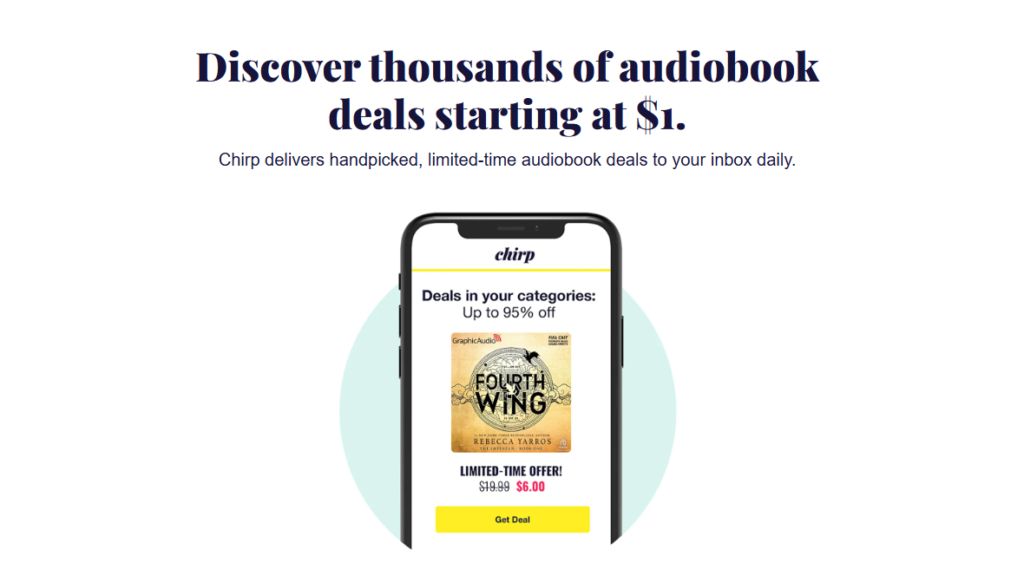
What I love: No subscription required. Just genuinely great daily deals, if you’re patient and flexible about what you read next.
What could be better: You’re shopping deals here, not hunting down a specific new release on release day.
Pricing: Per-book, often deeply discounted.
Best for: Bargain hunters who don’t mind letting the app pick their next read.
9. LibriVox
What it does: Free, volunteer-narrated public-domain audiobooks.
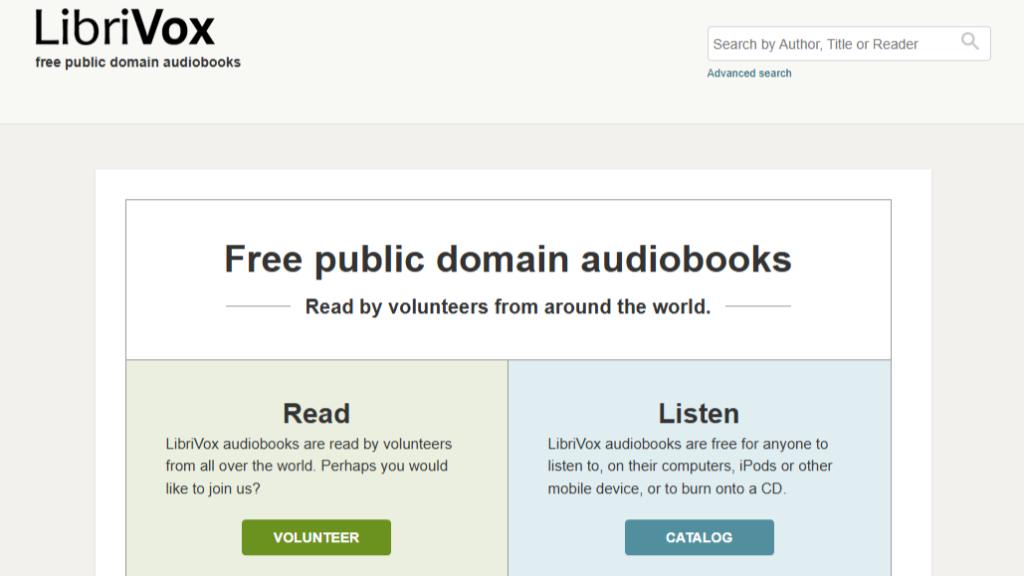
What I love: Every single book is completely free. Forever. No catch, no upsell, nothing.
What could be better: Narration quality varies wildly since it’s all volunteer-run, and don’t expect anything published in the last 90 years.
Pricing: Completely free.
Best for: Classic literature fans who don’t need studio-quality narration.
10. ElevenReader
What it does: An AI-narration app that can turn nearly any text into an audiobook-style listen.
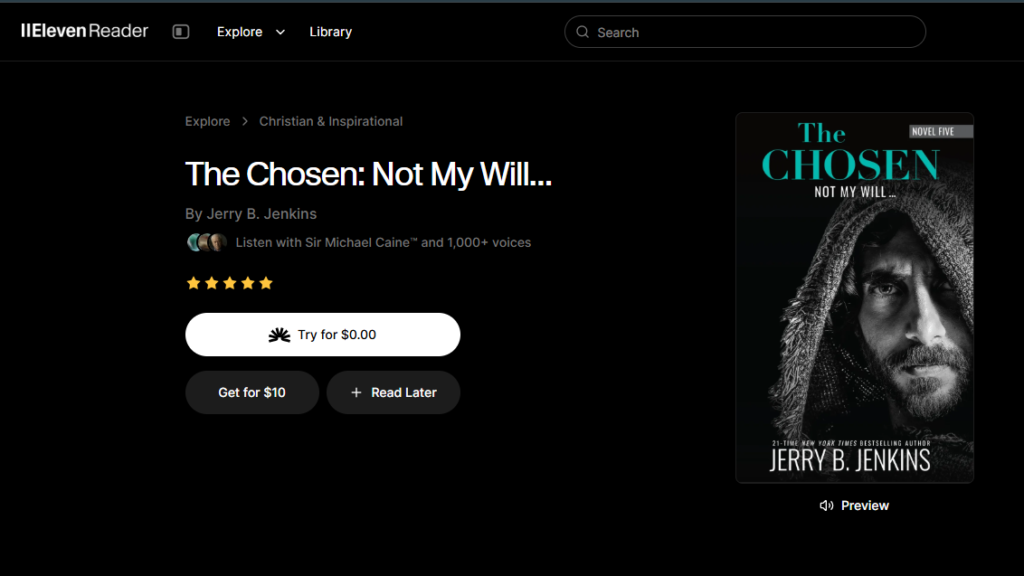
What I love: Ten free hours a month, and the AI voices have gotten shockingly natural sounding compared to a couple years ago. Genuinely surprised me the first time I tried it.
What could be better: It’s still AI narration. For a favorite novel, a human narrator usually wins on emotion and pacing — that part hasn’t changed.
Pricing: 10 hours free per month, paid tiers for more.
Best for: Listeners curious about AI narration, or anyone wanting to listen to articles and documents, not just published books.
Honorable Mentions
A few more apps kept coming up while I was researching this list, and they deserve a quick mention even though they didn’t crack my top 10.
Barnes & Noble Audiobooks (formerly NOOK Audiobooks) works through the B&N website or NOOK app and regularly runs discounts like 30% off bestsellers — worth a look if you’re already a B&N rewards member.
Audiobooks.com runs a credit-based system similar to Audible, with a catalog north of 500,000 titles.
Anyplay is a newer, ad-free app built around a smaller 300,000+ title catalog and a 7-day free trial, aimed at listeners who want something leaner than the big names.
None of these beat my top 10 outright. But if your first pick is out of stock, or just too pricey, they’re solid backups worth keeping in mind.
Free vs Paid Audiobook Apps – Which One Wins?
This is the question I get asked the most. So let’s settle it.
| App Type | Examples | Pros | Cons |
|---|---|---|---|
| Free | Libby, Hoopla, LibriVox | ✔ No cost, library-backed | ✖ Waitlists, limited new releases |
| Paid | Audible, Everand, Libro.fm | ✔ Instant access, huge catalogs | ✖ Monthly cost adds up |
If you already have a library card, start with free audiobook apps — Libby and Hoopla alone cover a shocking amount of what most people want to listen to. I only reach for a paid app when I want something the moment it releases, or when a waitlist would make me wait a month I don’t have.
Looking at top listening apps as a whole, mixing one free option with one paid option rarely disappoints. It’s the combination that just works.
My honest recommendation: pair one free app with one paid app. That combo, more than any single app on its own, has been the actual best audiobook apps setup for my own listening habits over the past year.
Audible vs Spotify – The 2026 Battle
These two get compared constantly, so here’s the real breakdown — no fence-sitting.
Audible runs on a credit model — over a million titles — and on the Premium plan, once you buy a book with a credit, it’s yours to keep even after you cancel your subscription. Spotify, on the other hand, bundles around 350,000 titles with a flat 15 hours of listening per month if you’re already a Premium subscriber.
| Feature | Audible (Premium) | Spotify (Premium) |
|---|---|---|
| Catalog Size | ✔ 1 Million+ Titles | ✖ ~350,000 Titles |
| Listening Limits | 1 Credit / month | 15 Hours / month |
| Ownership | ✔ Keep forever | ✖ Lose on cancel |
| Best For… | Heavy Listeners | Casual Listeners |
Who wins? If you’re a casual listener who finishes maybe one book a month, Spotify’s bundled hours are hard to beat — you’re not paying anything extra for them. If you’re a heavy listener who burns through several books a month, though, Audible’s credit system and larger catalog make it the stronger of these best audiobook apps for your habits.
Mistakes I Made When Choosing Audiobook Apps
I wasted actual money learning these lessons about the best audiobook apps. Let me save you the trouble.
Mistake 1: Not checking library integration first. I paid for a subscription for months before realizing my library card gave me free access to half the same titles through Libby. Months. I still think about it sometimes.
Mistake 2: Paying for subscriptions I barely used. I once had three separate audiobook subscriptions running at the same time. Three. I used maybe one and a half of them.
Mistake 3: Ignoring cross-device sync. I lost my place in a book twice switching from phone to tablet before I bothered to check whether an app actually synced properly.
Mistake 4: Skipping the free trial. I committed to an annual plan without testing it first, and the catalog turned out thinner than I’d expected for the genres I actually read.
Frequently Asked Questions (FAQs)
What are the best audiobook apps in 2026? Based on my testing, Audible, Libby, and Spotify top the list, with Libro.fm and Everand close behind depending on your budget and whether you have a library card.
What is the best free audiobook app? Libby is the best free audiobook app if your library has decent stock, with Hoopla as a strong backup when Libby’s waitlists get long.
Is Audible better than Spotify for audiobooks? For heavy listeners, yes. Audible’s catalog and credit system beat Spotify’s 15-hour monthly cap. For casual listeners already paying for Spotify Premium, though, Spotify wins on value.
Which audiobook app has the biggest library? Audible, with over a million titles, has the largest catalog of any of the best audiobook apps I tested.
Can I listen to audiobooks for free? Yes — Libby, Hoopla, and LibriVox all offer completely free listening, either through your library card or, in LibriVox’s case, public-domain titles.
What is the best audiobook app for Android? Every app on this list works on Android, but Libby and Spotify had the smoothest experience among the best audiobook apps I tested there.
Is Libby really free? Yes, genuinely. All you need is a valid library card number, and there’s no hidden subscription cost tucked away somewhere.
My Honest Verdict
If I had to pick just one out of all the best audiobook apps I tested, Libby wins on pure value — it’s free, and it’s excellent. But my actual daily setup mixes Libby for backlist titles with Audible for anything I want the second it releases. That combination has been the best audiobook apps pairing for my life, at least for now. Ask me again next year and it might be different.
New apps show up every year, pricing shifts, and catalogs grow, so I’ll keep testing and updating this list. Which app are you using right now — and has it earned a permanent spot on your phone, or are you still hunting for the one that sticks?
