
So I did something slightly unhinged: I spent two weeks testing over 50 AI apps for iPhone so you don’t have to. I deleted the duds, kept a running notes doc of what actually worked, and drained my phone’s battery more times than I’d like to admit.
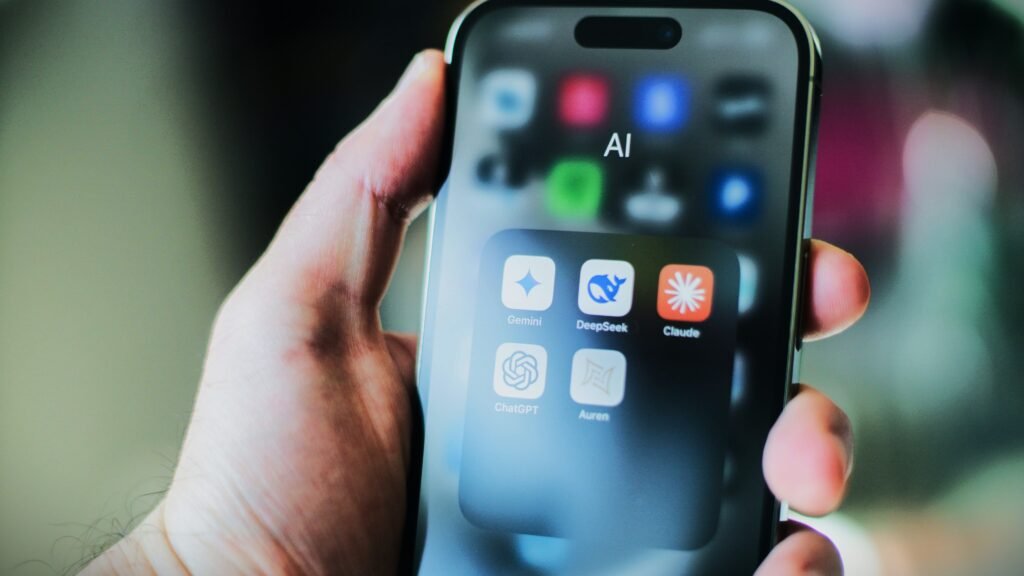
This isn’t a “best of” list scraped from a press release. It’s what I’d actually tell a friend who just switched phones and typed “best ai apps for iphone” into the App Store search bar with no idea where to start.
Some of these apps genuinely changed how I work. A couple were a waste of storage. Let’s get into it.
How I Tested These AI Apps for iPhone
I ran this whole test on an iPhone 17 Pro running iOS 26, since that’s what most people buying a new iPhone this year are actually holding. If you’re on an older model, most of what’s below still applies — the pricing and core features are basically identical across recent iPhones.
Here’s what I actually looked at, not just “does it work”:
- Response quality — did the answer solve my actual problem, or did it just sound confident?
- Speed — how long from typing a question to getting something usable?
- iOS integration — does it show up in the Share Sheet, support Siri Shortcuts, offer a home screen widget?
- Free tier honesty — is the free version genuinely useful, or a five-minute demo before a paywall?
- Apple Intelligence compatibility — does it work smoothly with the ChatGPT and Gemini hooks Apple has built into Siri, or does it feel bolted on?
I also paid close attention to voice mode, because that’s where a lot of AI apps for iPhone quietly fall apart. A chatbot that reads beautifully on screen can still stumble badly the second you start talking to it out loud in a noisy kitchen.
Top AI Apps for iPhone – My Picks
These are the six AI apps for iPhone I kept coming back to once the two weeks were up. If you only download a handful of apps from this whole list, start here.
ChatGPT — Best All-Rounder
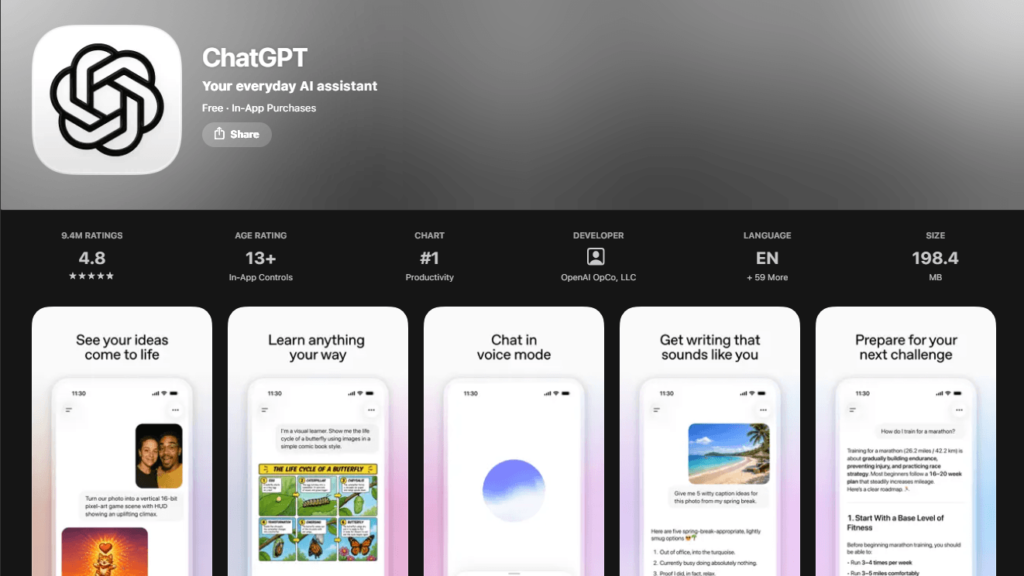
What it does: General-purpose chat, image generation, voice conversations, web search, and genuinely useful memory across chats.
What I love: The free tier isn’t a toy anymore. You get real access to a current GPT-5 model, image uploads, and a voice mode that holds a natural back-and-forth conversation instead of feeling like a phone tree. It’s also the app Siri quietly hands off to when Apple Intelligence can’t answer something on-device.
Pricing: Free, with a $20/month Plus plan for higher limits and priority access to the newest models.
Best for: Anyone who wants one app that handles almost everything reasonably well.
Claude — Best for Writing and Analysis
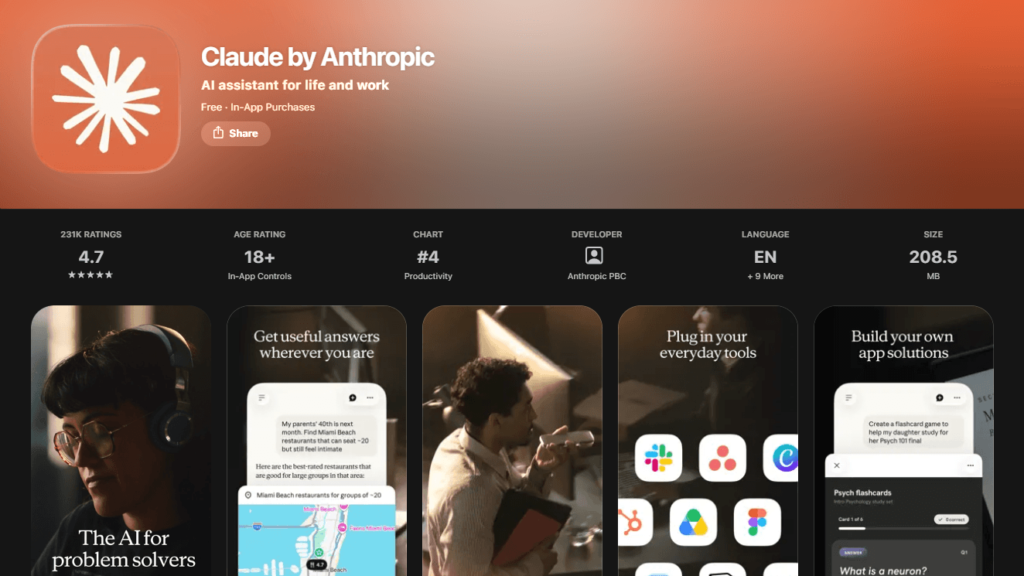
What it does: Long-form writing, editing, document analysis, and coding help, with a noticeably more careful, less “salesy” tone than some competitors.
What I love: I threw a lengthy PDF at it and it didn’t lose the thread halfway through. It’s also the app I trust most with a first draft I actually care about — it pushes back instead of just agreeing with everything I type.
Pricing: Free, with Pro starting at $20/month.
Best for: Writers, students, and anyone doing serious document or code review from their phone.
Google Gemini — Best for Google Workspace Users
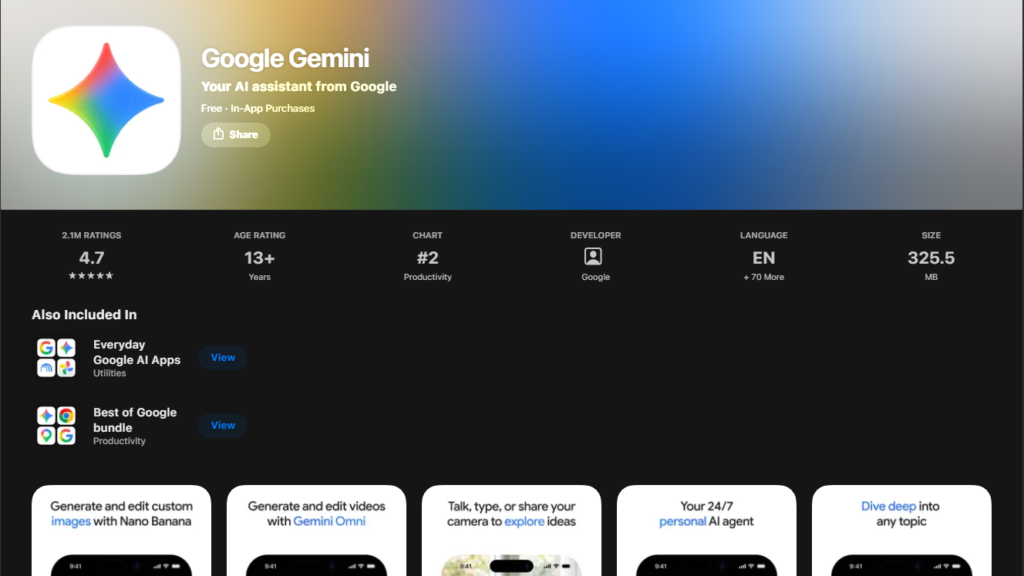
What it does: Chat, image editing, and deep integration with Gmail, Docs, and Google Photos.
What I love: If your life already runs on Google, Gemini feels less like a separate app and more like a feature that was missing. Pulling context straight out of an email thread without copy-pasting anything saves a surprising amount of time.
Pricing: Free, with Google AI Pro running about $20/month.
Best for: Anyone whose whole digital life lives in Gmail, Docs, and Sheets.
Perplexity — Best for Research With Sources
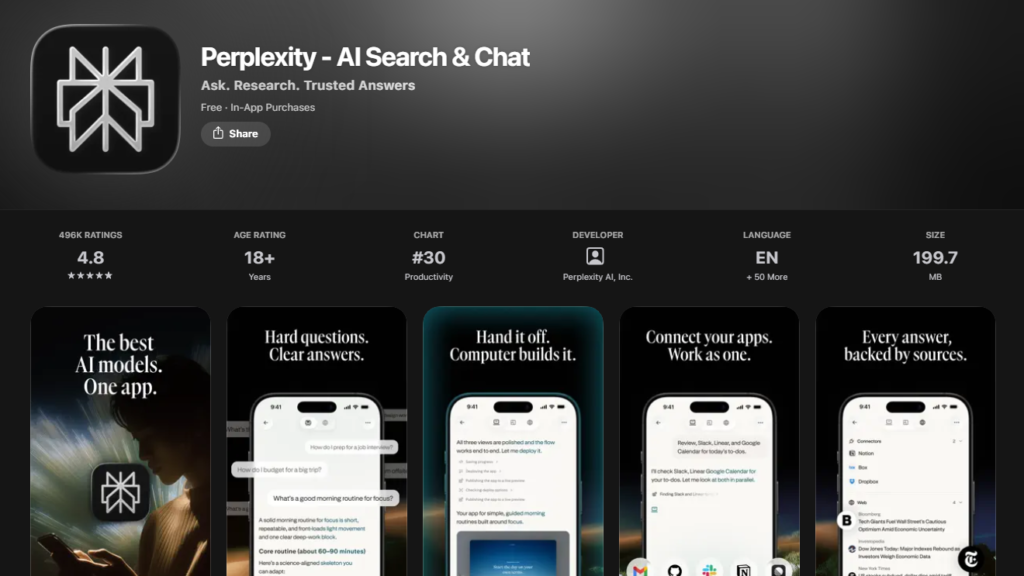
What it does: Answers questions with citations, pulling from live web results instead of just generating an answer from memory.
What I love: For anything I actually need to double check — health questions, product comparisons, “is this claim true” moments — Perplexity shows its work. I click through the sources more with this app than any other on this list.
Pricing: Free, with Pro at $20/month.
Best for: Research, fact-checking, and anyone tired of AI answers with no receipts.
Grok — Best for Real-Time News
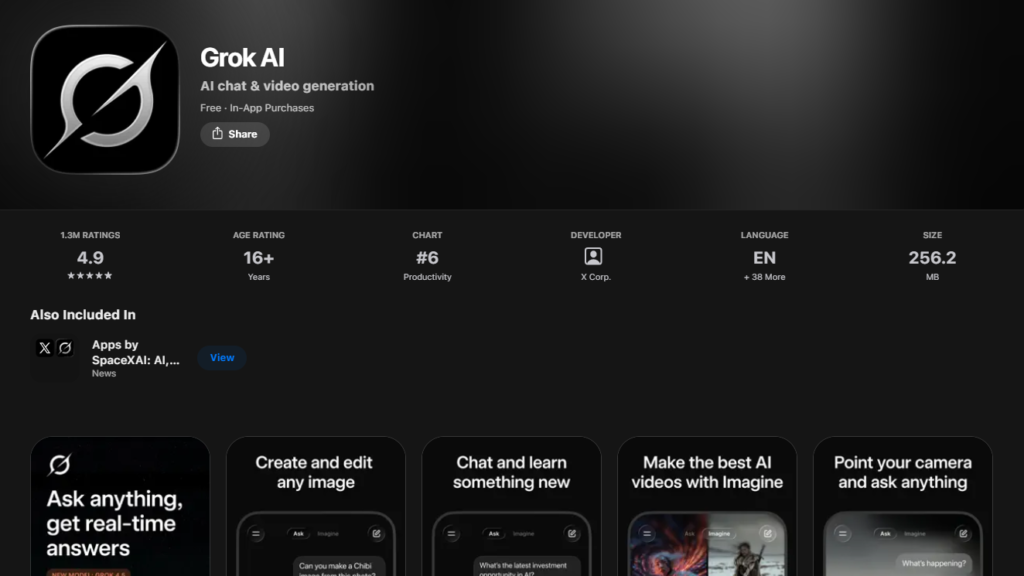
What it does: Chat with live access to what’s happening on X right now, plus image generation.
What I love: When something is breaking in real time, Grok picks it up faster than anything else on this list. It’s genuinely useful for “what’s actually going on right now” in a way the others aren’t built for.
Pricing: Free tier available; the standalone SuperGrok plan runs around $30/month, or you can get Grok bundled through an X Premium+ subscription.
Best for: People who already live on X and want news context without leaving the app.
Microsoft Copilot — Best for Microsoft 365 Users
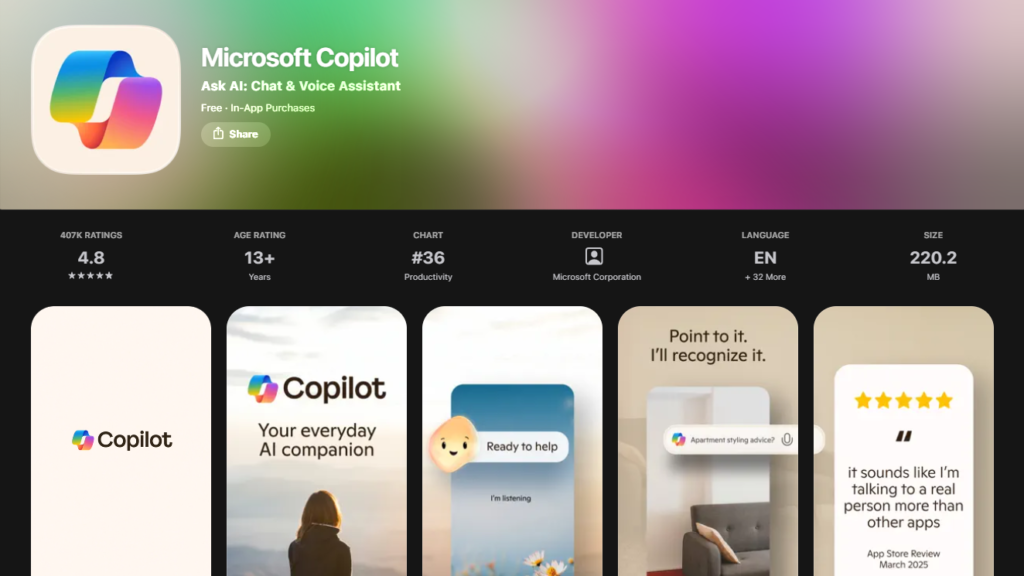
What it does: AI assistance built directly into Word, Excel, PowerPoint, and Outlook, plus a standalone chat app.
What I love: If your job runs on Office, having Copilot draft an email reply or summarize a spreadsheet from your phone is a genuine time-saver. It’s less exciting as a general chatbot, but that’s not really its job.
Pricing: Free for basic chat; full Microsoft 365 integration runs about $20/month for individuals, more for business plans.
Best for: Anyone whose workday lives inside Microsoft 365.
AI Apps for iPhone – Specialized Tools
Not every good AI app for iPhone tries to be a general chatbot. Some of the most useful AI applications for iOS I tested do exactly one thing, and do it well — these are the AI apps for iPhone worth downloading even if you never touch a chatbot.
Otter.ai — Best for Meeting Transcription. Otter joins your calls, transcribes them in real time, and hands you a summary with action items afterward. I stopped taking meeting notes by hand within a week of installing it. Free tier gives you 300 minutes a month; Pro runs $16.99/month.
Grammarly — Best AI Keyboard. This one lives inside your keyboard, checking tone and grammar in Messages, Mail, and pretty much anywhere else you type. Free catches the basics; Premium runs $30/month (much cheaper if you pay annually) and adds full rewrites plus a plagiarism checker.
Remini — Best for Photo Enhancement. Genuinely impressive at sharpening old or blurry photos, especially faces. My one warning: check the billing cycle carefully before you subscribe, since Remini’s paid plans are often billed weekly rather than monthly, and that adds up fast if you forget to cancel.
Apple Intelligence — Best Native iOS Integration. Free, and already on your phone if you’ve got an iPhone 15 Pro or newer. It’s not as capable as the dedicated apps above, but for quick writing tweaks, notification summaries, and photo cleanup, you never have to leave the app you’re already in.
Free vs Paid AI Apps for iPhone
Here’s the question I get asked the most: do you actually need to pay for any of this?
Honestly? For most people, the free tier is enough. ChatGPT, Claude, Gemini, and Perplexity all give away enough usage that a casual user — someone asking a few questions a day, drafting the occasional email — will rarely hit a wall.
Where paying starts to make sense is volume and priority access. If you’re using an app for actual work every day, hitting message limits mid-task gets old fast, and $20/month starts to look cheap compared to the time you’d lose.
Otter and Grammarly are the exceptions here. Their free tiers are more of a taste test than a full tool, so if meeting notes or grammar checking are core to your job, budget for the paid plan from day one.
My honest take, after living inside these ai apps iphone free tiers for two weeks straight: start free, always. Only upgrade the one or two apps you actually opened every single day.
Emerging AI Apps for iPhone (2026 Trends)
A few newer names are worth watching if you like being early.
Kling AI had a genuinely wild year on the App Store — it briefly hit the No. 1 overall spot in dozens of countries in 2026 during a viral video trend, and it’s become one of the go-to apps for AI-generated video and image content on iPhone.
AI Video is another one that’s quietly built a massive following by turning a single photo or a text prompt into a short, shareable video clip, no editing experience required.
The bigger story of 2026, though, is that AI apps for iPhone have basically taken over the App Store’s top charts. ChatGPT, Claude, and Gemini have spent the year trading places at the very top of the free-apps list, something none of them managed to do consistently before now.
Artificial intelligence apps for iPhone aren’t a niche category anymore. At this point, they’re the App Store.
Mistakes I Made When Choosing AI Apps for iPhone
A few things I wish I’d known before I started downloading:
Mistake 1: I didn’t check if the free tier was actually usable before committing. A few apps hooked me with a slick demo, then cut me off after three prompts. Test the free version like you’re never going to pay — if it frustrates you there, it’ll frustrate you paid too, just with fewer complaints because you’re already locked in.
Mistake 2: I ignored Apple Intelligence compatibility at first. Apps that plug into Siri Shortcuts and the Share Sheet earned real bonus points once I noticed how much friction they removed. Not having to open a separate app just to summarize a webpage matters more than it sounds.
Mistake 3: I didn’t test voice mode before deciding. I assumed every app’s voice feature would be roughly the same. They’re not even close — some feel like a real conversation, others feel like leaving a voicemail for a robot that ignores half of what you said.
Mistake 4: I downloaded too many apps at once and tested none of them properly. Somewhere around app 30, I was skimming instead of actually testing. Pick three or four at a time, use them for a real task, then move on.
Frequently Asked Questions (FAQs)
What are the best AI apps for iPhone? Based on my testing, ChatGPT, Claude, and Gemini are the strongest all-around picks, with Perplexity as the best option specifically for research. Which one is “best” really depends on what you’re using it for — there isn’t one app that wins every category.
Which AI app for iPhone is free? All the major ones — ChatGPT, Claude, Gemini, Perplexity, and Grok — have a free tier that’s genuinely usable, not just a trial. Apple Intelligence is also completely free and already built into iOS.
Is ChatGPT better than Claude on iPhone? It depends what you’re doing. ChatGPT has the broader feature set and deeper Siri integration, while Claude is the one I reach for when I’m writing or reviewing something long and want more careful, less repetitive output. I keep both installed.
Can I replace Siri with AI apps? Not entirely, and I wouldn’t try. Siri still controls your device, your alarms, and your smart home, and Apple has been steadily wiring ChatGPT and Gemini into Siri itself for the harder questions. Standalone AI apps for iPhone like ChatGPT and Claude are still better for anything that needs real thinking, but Siri isn’t going anywhere.
Which AI app for iPhone is best for writing? Claude, by a decent margin, in my experience. It holds context better across long documents and doesn’t drift into the over-enthusiastic tone some other apps default to.
Are there AI video apps for iPhone? Yes — Kling AI and AI Video are the two I’d point you toward right now, both built specifically for turning photos or text prompts into short video clips for social media.
Which AI app for iPhone has the best voice mode? ChatGPT’s voice mode is the one that felt most like an actual conversation during my testing — natural pacing, fewer awkward pauses, and it handles interruptions well. Gemini’s isn’t far behind.
Final Thoughts
After going through more than 50 AI apps for iPhone in two weeks, my personal favorite is ChatGPT, just because it’s the one I open without thinking about it. That said, Claude hasn’t left my dock since I started using it for anything longer than a quick question, and I don’t see that changing.
If you’re just getting started, don’t do what I did and download 15 apps at once. Pick one general chatbot and one specialized tool that matches something you actually do every week, and go from there. Check out my guide on AI productivity tools if you want to go deeper on the work side of things.
Which AI app for iPhone do you use? Drop a comment below — I’d love to hear your experience.
Also Read: Just switched phones? Check out my simple guide on how to migrate Android contacts to iPhone without losing any numbers.
