
My phone told me there was a 20% chance of rain. I left my umbrella at home, walked eight minutes to catch the bus, and got soaked before I even made it to the stop. That’s the day I stopped trusting a single weather app with my mornings — and started digging into which one actually deserves a spot on my home screen.
Why I Decided to Test Weather Apps Myself
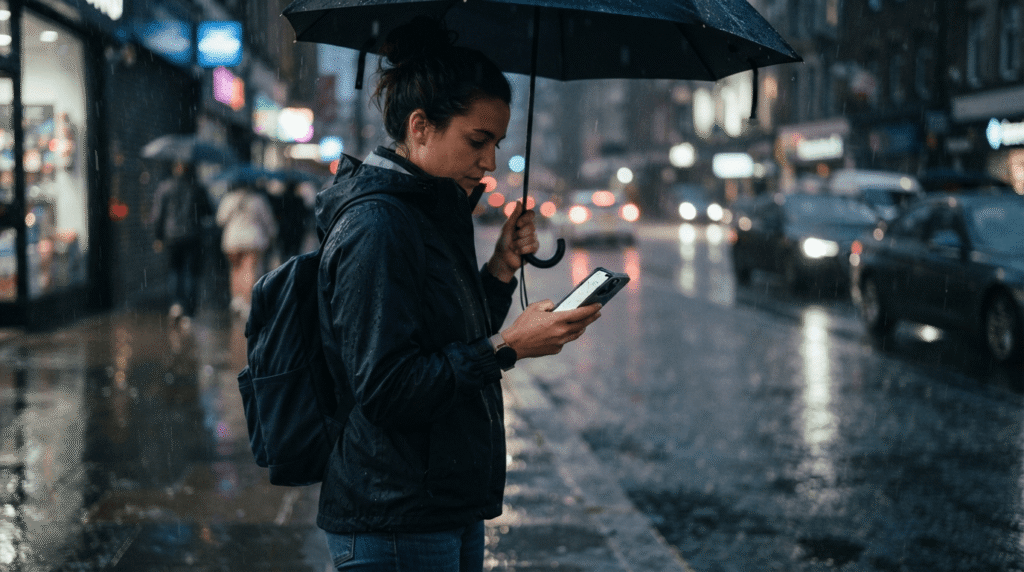
That soggy commute wasn’t a one-off, either. A few weeks earlier I’d canceled weekend plans because the forecast on my phone showed thunderstorms rolling in by noon. The storms never showed up. Blue skies, the whole day. I’d burned a free Saturday second-guessing an app that turned out to be wrong in the exact opposite direction.
That’s the annoying thing about relying on whatever weather app happens to already be on your home screen — you never really know if it’s reliable until it burns you. And by then you’re either soaked, or you’ve canceled plans for nothing, or you’ve missed the window to grab a jacket before walking out the door.
I write about tech for a living, so the annoyance eventually turned into curiosity. If I was going to keep checking a weather app every single morning before I even open email, I wanted to know I was checking the right one — not just “the one that came preinstalled,” but the actual best weather app for iPhone, judged on how it performs when it matters, not how nice its icon looks in the App Store.
So I picked seven of the most talked-about options, put them all on one home screen, and used them the way a normal person actually does: checking before leaving the house, checking mid-afternoon when clouds rolled in, checking before bed to decide whether the patio furniture needed to come inside. Two weeks of that gave me a much clearer picture of which apps are actually worth keeping.
How I Tested the Best Weather Apps for iPhone
I didn’t want this to be twenty minutes of skimming App Store descriptions and calling it a review. So I set a few ground rules before starting:
- Two full weeks, covering a stretch of clear days, a rainy patch, and one system that brought real wind and thunderstorms through the area.
- Three checks a day — once in the morning before heading out, once mid-afternoon, and once in the evening — comparing what each app predicted against what actually happened outside.
- Radar accuracy, specifically whether “rain starting in X minutes” predictions lined up with when I actually felt the first drops.
- Widgets and Lock Screen support, since half the value of a good weather app is not having to open it at all.
- Notifications, checking whether severe weather alerts arrived early enough to be useful, or showed up after the wind had already picked up.
I kept all seven apps on one home screen page so I could swipe through them in seconds during each check-in. This wasn’t a lab study with instruments and control groups — I’m not a meteorologist, and no single person’s two-week test replaces an actual forecast-verification study. But it’s a real-world stress test, the same informal one most of us run every time we glance at our phone before walking out the door. If you’re trying to find the best weather app for iPhone for your own routine, this is closer to how you’ll actually use it than a spec sheet ever could be.
7 Best Weather Apps for iPhone – Tested & Reviewed
Here’s the lineup, roughly in the order I’d recommend them for most people. Each one turned out to do something the others didn’t, which was the most useful thing I learned going into this.
Apple Weather
When searching for the best weather app for iPhone, Apple Weather was my control group, since it’s already sitting on every iPhone whether you asked for it or not. After Apple folded in Dark Sky’s team and technology, this app went from “fine, I guess” to genuinely solid — hyperlocal Next Hour precipitation tracking, hour-by-hour and 10-day forecasts, and severe weather alerts that show up without you digging for them.
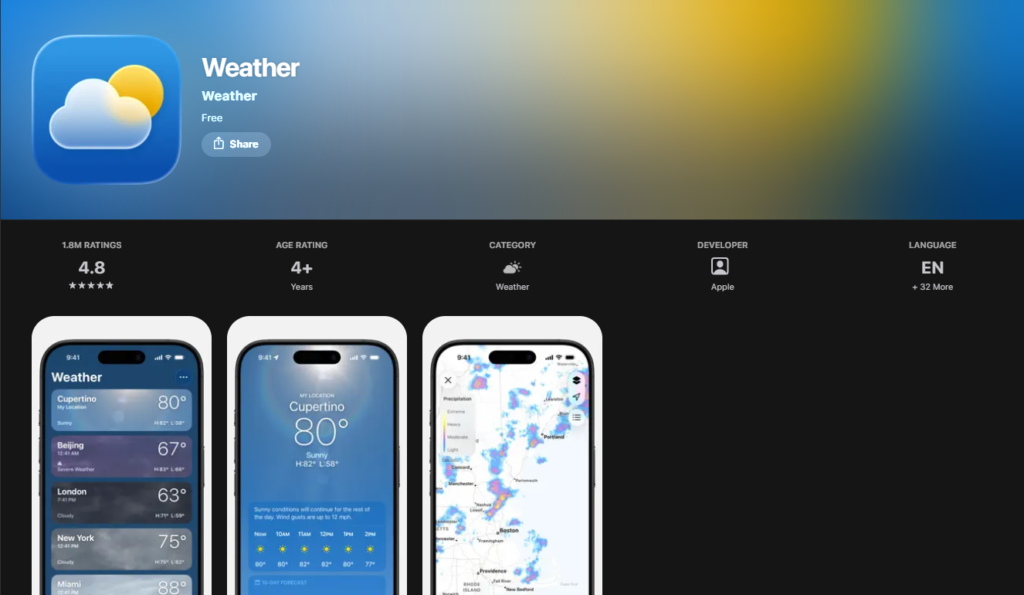
What stood out during testing: the Lock Screen and Home Screen widgets are the best-looking and most glanceable of any app I tried, and the built-in Weather Maps did a decent job showing precipitation moving in, minute by minute, over the next hour. iOS 27 is also adding a new “Highlights” section that surfaces the one or two things you actually need to know about the day — rain coming, a temperature swing, wind picking up — instead of making you interpret a wall of numbers yourself.
Where it falls short: you’re locked into Apple’s data source, with no option to switch to AccuWeather or Foreca if something looks off, and notification customization is thinner than most of the dedicated apps here. It also won’t wow you with radar detail if you like zooming in and watching a storm cell move in real time.
Bottom line: If you want something that just works, with no subscription and no learning curve, Apple Weather is a completely reasonable answer to “what’s the best weather app for iPhone” — and it costs nothing extra since it’s already installed.
AccuWeather
AccuWeather is the one I kept coming back to, and by the end of the two weeks it had become the app I opened first. Its signature MinuteCast feature — a minute-by-minute breakdown of precipitation for the next couple of hours — was noticeably sharper than most of the other apps at telling me exactly when rain would start and stop, rather than just saying it was “likely” at some point that day.
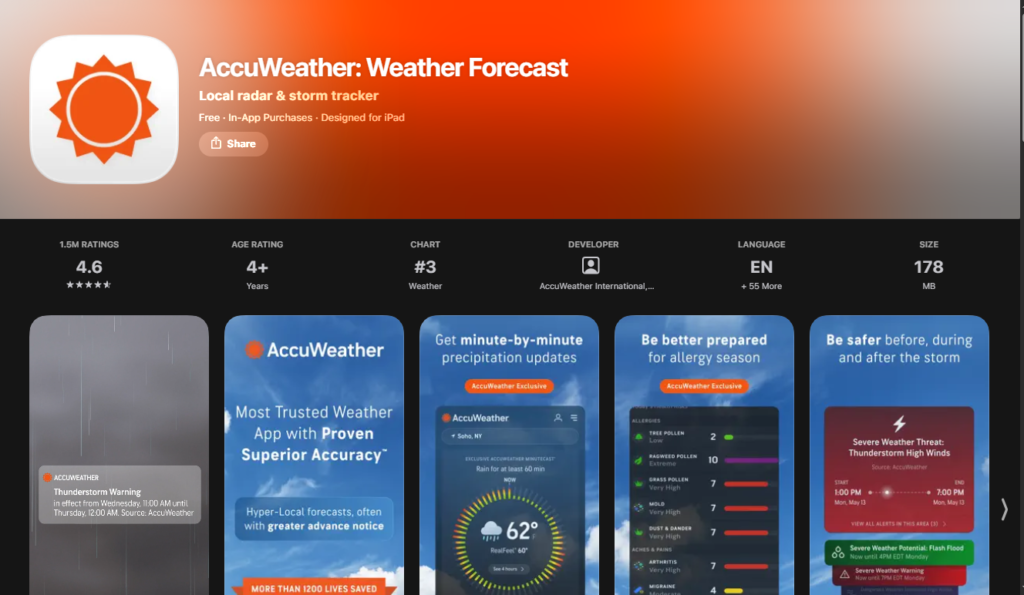
Independent testing backs this up, too. When researchers looked at short-term “nowcasts” — predictions for the next hour or so — AccuWeather came out ahead of several major competitors, including Apple Weather and The Weather Channel, in one regional accuracy study. That tracked with what I saw firsthand: on the two rainiest days of my test window, AccuWeather’s minute-level timing was the closest to what actually happened outside my window.
The free version comes with ads, which get old fast, plus a fair number of upsell prompts nudging you toward Premium or Premium+. Premium strips the ads for around $9 a year, while Premium+ adds hyperlocal severe weather alerts for around $20 a year — genuinely useful if you live somewhere that gets real storms.
Where it stumbles: the extended forecast stretches out much further than most apps dare to go, and I wouldn’t put much faith in anything past about 10 days no matter how confidently it’s presented. That’s an industry-wide limitation, not just an AccuWeather quirk.
Bottom line: For short-term accuracy and severe weather alerts, this was the strongest all-around performer in my testing — more on that later, since it ends up being my final pick for best weather app for iPhone overall.
Weather Channel
Another strong contender for the best weather app for iPhone is The Weather Channel app, which pulls from IBM’s The Weather Company data, and in longer independent accuracy studies spanning years and dozens of forecast metrics, that underlying data has repeatedly ranked at or near the top for overall forecast accuracy, especially the further out you look. That reputation held up reasonably well in my own testing too, particularly for multi-day planning rather than “is it about to rain in the next ten minutes” situations.
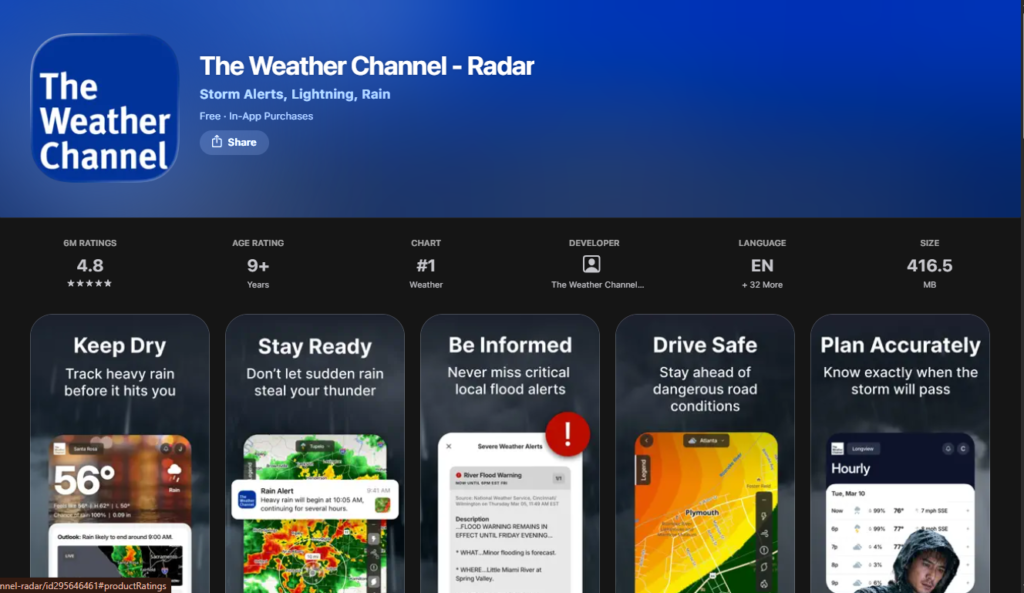
Beyond the forecast itself, the app packs in extras I didn’t expect to like as much as I did: a genuinely useful pollen and allergy tracker, a crowd-sourced feature where nearby users post real-time weather photos and reports, and radar that reaches further out than most free competitors offer.
The catch is the free version’s ad load, which is heavier than Apple Weather, AccuWeather, or MyRadar. A Premium subscription removes the ads and unlocks more detailed hourly breakdowns and extended radar, running roughly $20–30 a year depending on the tier. I noticed more than a few App Store reviews grumbling about paying yearly just to lose ads — a fair complaint, even though I still found the forecasts themselves solid.
Bottom line: If you want an app that treats multi-day planning as seriously as next-hour precipitation, The Weather Channel is one of the more complete options here — just budget for a subscription if the ads bother you as much as they bothered me by week two.
Carrot Weather
Carrot Weather is the wildcard of this list when looking for the best weather app for iPhone, and also the one I had the most fun with. Instead of locking you into one forecast provider, it lets you pick from several — Apple’s own data, AccuWeather, Foreca, Tomorrow.io — and switch between them if one seems off. That alone makes it one of the more flexible apps I tested, since you’re not stuck trusting a single source’s version of “70% chance of rain.”
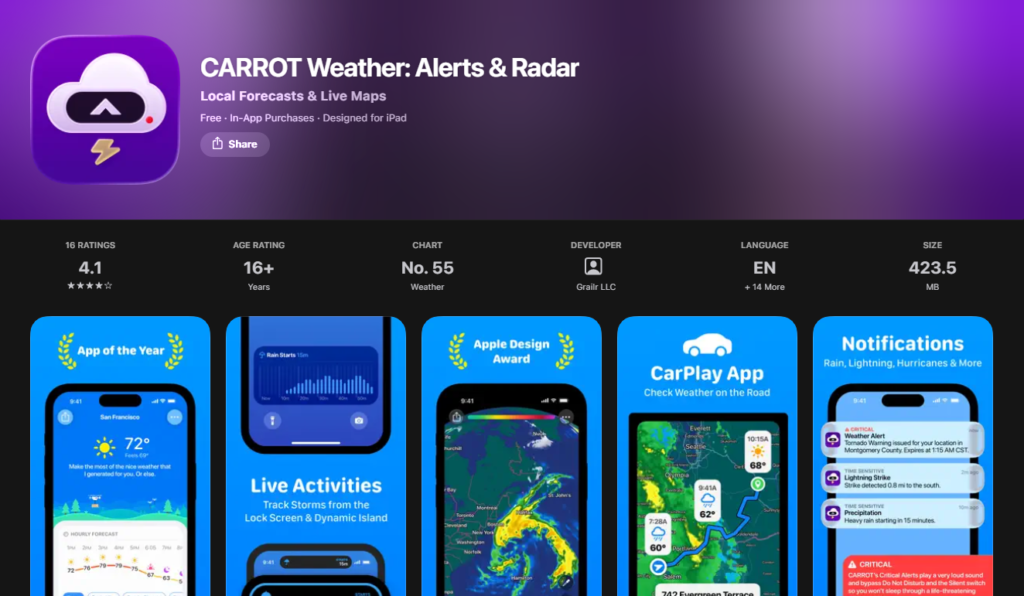
Then there’s the personality. CARROT, the app’s sarcastic AI narrator, comments on the weather in different tones depending on which mode you pick — professional, friendly, snarky, or considerably weirder settings if you want them. It sounds like a gimmick until you’re three days in and actually looking forward to opening the app to see what ridiculous thing it says about a heat wave.
Underneath the jokes, this is a legitimately deep app: heavily customizable widgets, Live Activities support, Apple Watch complications, and enough layout options in Settings to spend an hour tweaking things before you’ve even checked tomorrow’s forecast.
The subscription structure is where it gets confusing. There are multiple tiers — Premium, Premium Ultra, Premium Family — each unlocking a different combination of data sources, notifications, and radar detail, priced anywhere from about $5 a month up toward $15 a month depending on how much you want unlocked. It took me longer than I’d like to admit to figure out which tier actually included what I wanted.
Bottom line: If you want a weather app with real personality and don’t mind a slightly confusing subscription menu, Carrot Weather is hard to beat — for iPhone users who love deep customization, it might be the best weather app for iPhone on this entire list.
WeatherBug
When considering the best weather app for iPhone for outdoor enthusiasts, WeatherBug stands out. Its whole identity is built around its Spark Lightning Network, which tracks real lightning strikes and warns you when one hits within a certain distance of your location. If you coach a kids’ sports team, run regularly, or just spend a lot of time outside during thunderstorm season, this feature alone might justify keeping the app installed even if it’s not your daily driver.
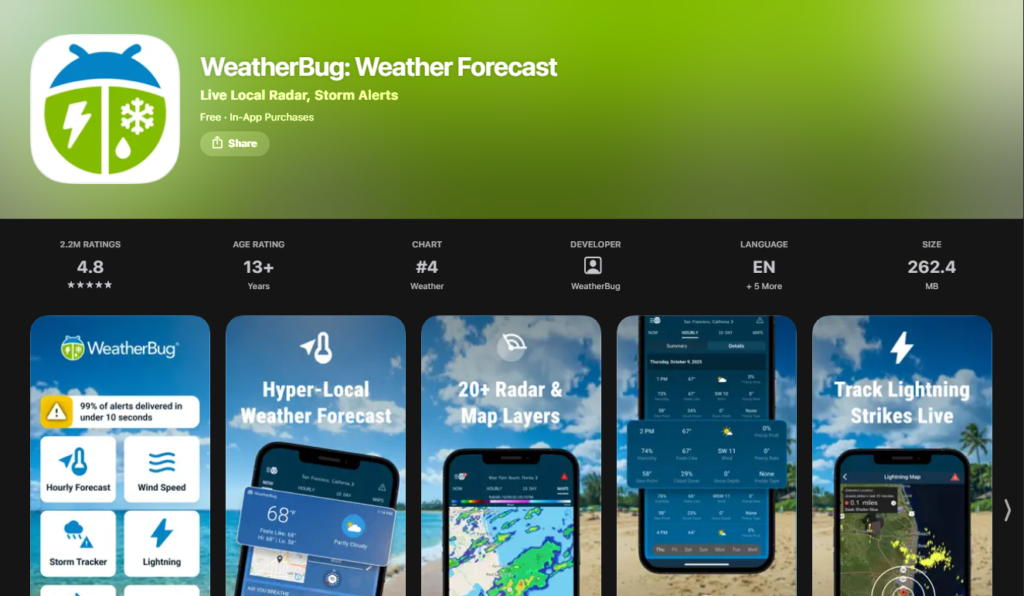
Beyond lightning, WeatherBug throws a lot at you — upward of 19 different map layers covering radar, pollen, air quality, wind, and pressure, plus a hurricane tracker and wildfire data during fire season. It’s one of the more information-dense apps I tested, in a good way.
That density is also its biggest drawback. The interface feels busier and more dated than the newer, more minimal apps on this list, and the free version’s ad load is noticeable. There’s an ad-free option if that bothers you enough to pay for it.
Bottom line: WeatherBug isn’t the app I’d hand to someone who just wants a quick glance at tomorrow’s temperature. But for lightning detection and layered storm data specifically, it earned a permanent spot on my phone even after the official testing period ended.
MyRadar
If animated radar maps matter most to you, MyRadar is easily a top contender for the best weather app for iPhone because it does one thing and does it extremely well: radar. Open the app and you’re looking at smooth, high-definition animated Doppler radar within a second or two, with none of the loading delays I ran into on a couple of the more feature-packed apps on this list.
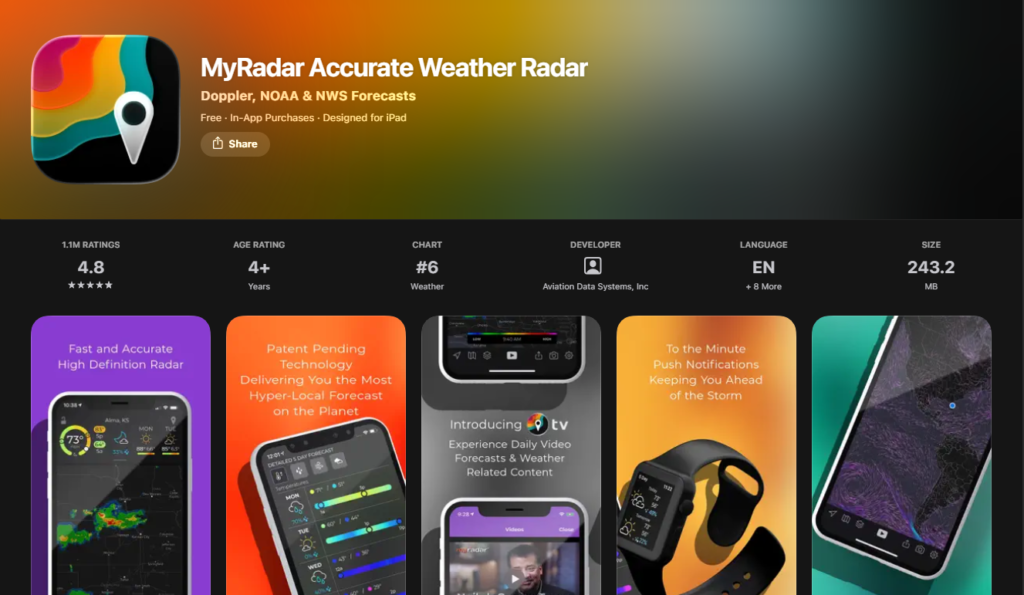
The standout feature during testing was the rain-arrival alert, which tells you — down to the minute — when precipitation is about to reach your exact location, then buzzes your phone when it actually starts. On one walk where I’d normally have just guessed based on the sky, this alert gave me enough warning to duck into a coffee shop before it opened up.
It’s noticeably lighter on written forecast detail than Apple Weather, AccuWeather, or The Weather Channel — there’s no deep hourly breakdown or robust 10-day outlook here. The free version includes ads and a basic feature set; a modest annual subscription (around $10 a year) removes ads and adds a hurricane tracker, extra radar layers, and an Apple Watch app. There’s also a separate aviation charts add-on, clearly built for pilots rather than everyday commuters.
Bottom line: MyRadar isn’t trying to be your only weather app, and honestly, it doesn’t need to be. As a radar companion to whichever app you use for daily forecasts, it’s excellent.
Hello Weather
If you want a minimal experience, Hello Weather takes a unique approach to being the best weather app for iPhone by stripping almost everything down.Instead of packing in more, it strips almost everything down. Current conditions, an hourly outlook, and a daily forecast all live on one clean screen, and tapping any number expands it into a simple, readable chart instead of dumping raw data on you.
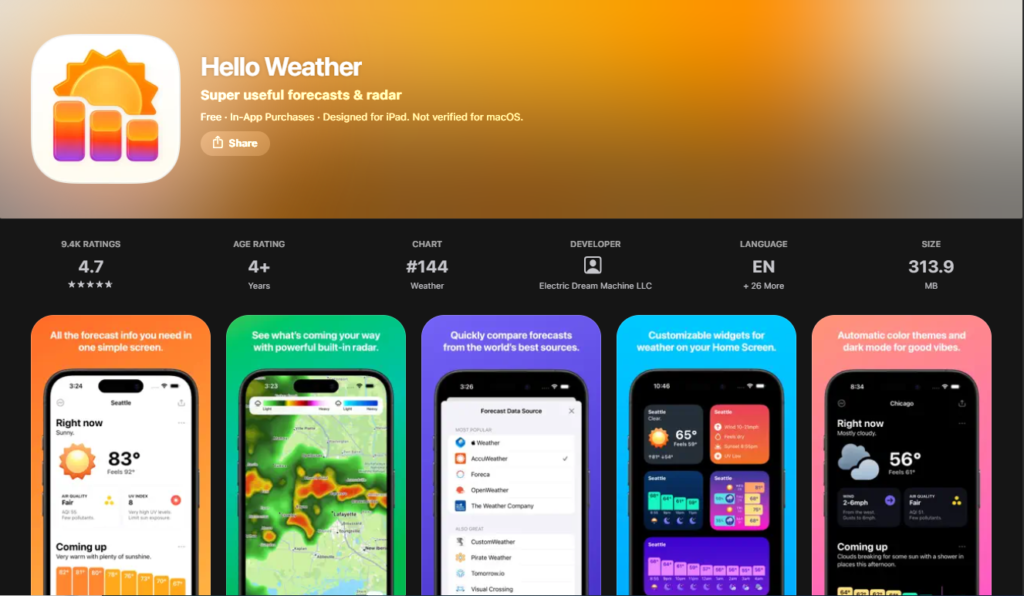
The feature I liked most is the source picker built right into the main screen — you can compare Apple’s forecast against AccuWeather’s or another provider in a couple of taps, no digging through a settings menu required. It’s a small thing, but it made the “wait, is it actually going to rain or not” moments a lot less annoying to resolve.
The free version is refreshingly ad-free, which is rare for this category, but it’s also fairly limited: one data source, no widgets, no Apple Watch app. Upgrading to Pro unlocks the full source picker, radar, notifications, and Watch support for a modest yearly subscription, somewhere in the $15–20 range, which felt reasonable next to some of the pricier tiers on this list.
Where it comes up short is depth. If you want dense radar layers or a dozen kinds of severe weather alerts, this isn’t that app, and it’s not trying to be.
Bottom line: For anyone who finds most weather apps overwhelming, Hello Weather might be the best weather app for iPhone you haven’t heard of yet — clean, fast, and free of clutter even before you pay for anything.
Comparison Table – Best Weather App for iPhone at a Glance
If you just want the short version, here’s how all seven stacked up on the things that actually matter day to day: accuracy, radar quality, widget support, price, and my own rating after two weeks of daily use.
| App | Accuracy | Radar | Widgets | Price | My Rating |
|---|---|---|---|---|---|
| Apple Weather | Very good, next-hour precipitation | Good | Excellent (Home + Lock Screen) | Free | 4.3/5 |
| AccuWeather | Excellent short-term (MinuteCast) | Very good | Good | Free w/ ads; Premium ~$9/yr; Premium+ ~$20/yr | 4.6/5 |
| The Weather Channel | Excellent multi-day | Very good, long-range | Good | Free w/ ads; Premium ~$20–30/yr | 4.2/5 |
| Carrot Weather | Good, multi-source | Very good (paid tiers) | Excellent, highly customizable | Free; Premium from ~$5/mo | 4.5/5 |
| WeatherBug | Good | Excellent (19+ layers, lightning) | Good | Free w/ ads; ad-free option | 4.0/5 |
| MyRadar | Good, radar-focused | Excellent, buttery-smooth | Basic | Free w/ ads; Premium ~$10/yr | 4.4/5 |
| Hello Weather | Good, multi-source picker | Good (Pro only) | Excellent (Pro only) | Free (limited); Pro ~$15–20/yr | 4.5/5 |
The ratings above are my own, based on two weeks of daily use — not a scrape of App Store star counts, which shift constantly and don’t always reflect how an app performs in the exact moment you need it.
Which Weather App Is Actually the Best?
Here’s the honest answer: it depends on what you actually check a weather app for, and anyone who tells you there’s one universal best weather app for iPhone for every single person is oversimplifying it.
If you check the weather mainly to decide whether you need a jacket and want zero setup, Apple Weather covers you completely for free. If you want the sharpest short-term rain predictions and don’t mind an occasional ad or upsell, AccuWeather is the strongest overall pick, which is why it’s my final winner below. If you want a weather app with real personality and the flexibility to compare multiple forecast sources, Carrot Weather is excellent, as long as you budget for its subscription tiers.
Quick pros and cons on the three I’d actually recommend to most people:
Apple Weather
- Pros: Free, built-in, best widgets, no account needed
- Cons: Single data source, limited customization
AccuWeather
- Pros: Sharpest short-term precipitation timing, useful severe alerts, solid free tier
- Cons: Ads on the free tier, frequent upsell prompts
Carrot Weather
- Pros: Multiple data sources, deep customization, actually enjoyable to use
- Cons: Confusing subscription tiers, personality isn’t for everyone
For everyone else — WeatherBug if lightning tracking matters to you, MyRadar if you mainly want gorgeous radar, and Hello Weather if you want something dead simple — the “best” answer really is “whichever one matches how you actually use your phone.” That’s not a cop-out; it’s what two weeks of daily testing actually taught me.
Common Mistakes I Made (and You Should Avoid)
While testing to find the best weather app for iPhone, a few things went wrong that had nothing to do with the apps themselves and everything to do with how I was using them. If you’re trying to find the best weather app for iPhone for your own routine, save yourself the trouble I went through.
1. Trusting one app completely, all the time. Early on, I treated whichever app I’d opened first that morning as gospel. When one app said 20% chance of rain and I got drenched anyway, I was annoyed at the app instead of realizing I should’ve cross-checked it against another source once the sky already looked questionable.
2. Ignoring the radar and just glancing at the daily icon. The little sun-and-cloud icon at the top of most apps is a summary, not the full picture. More than once I saw a “partly cloudy” icon and walked out the door, when the radar — if I’d bothered to check it — clearly showed a rain band about to move through in the next 20 minutes.
3. Not turning on severe weather notifications until after a storm caught me off guard. I didn’t enable push alerts on most of these apps until week two, which meant the first real storm of my testing period arrived with zero warning from my phone. Turning on notifications takes about ten seconds and should be step one with any new weather app, not an afterthought.
4. Expecting minute-by-minute predictions to match perfectly across different apps. AccuWeather’s MinuteCast and MyRadar’s rain-arrival alert don’t always agree down to the exact minute, because they’re pulling from different models and radar sources. I wasted energy being confused about the “discrepancy” before realizing that’s normal — they’re both estimates, not certainties.
5. Letting a home screen widget go stale. A couple of apps’ widgets update less frequently than the app itself does. I got caught once trusting a widget that was showing conditions from over an hour earlier instead of just opening the app for a live check before heading out.
Best Weather App for iPhone – My Final Winner
After two weeks, three daily checks, and way more time comparing radar screens than I expected to spend on this project, my pick for the best weather app for iPhone in 2026 is AccuWeather.
It wasn’t the prettiest app I tested, and it definitely wasn’t the least naggy about upgrading to Premium. But it was the one I trusted most when it actually mattered — the days with real rain, real wind, and a storm system that rolled through partway through my testing window. MinuteCast consistently gave me the most specific, useful timing on when precipitation would actually start and stop, which lined up with what independent short-term forecast testing has found too, not just my own impression of it.
The free tier is genuinely usable on its own, and that matters to me. You’re not locked out of the core forecast, radar, or basic alerts just for not paying. If you do decide to upgrade, Premium removes the ads for a low yearly cost, and Premium+ adds hyperlocal severe weather alerts that are worth it if you live somewhere prone to serious storms.
It’s not perfect. The extended forecast reaches further out than I’d trust for actual planning, and the app isn’t shy about asking you to upgrade. But when I ranked every app by how much I actually relied on it by the end of the two weeks — not how it looked in a screenshot, but which one I reached for without thinking — AccuWeather won that contest clearly.
If you only install one app from this list, make it this one.
Best Free Weather Apps for iPhone
Not everyone wants another subscription, and you don’t need to pay monthly to get the best weather app for iPhone on your device. If you’re specifically after the best free weather app for iPhone rather than the best overall, these three are where I’d start:
Apple Weather — Already on your phone, completely free, no account or subscription required. The widgets alone make it worth keeping around even if you install something else too.
Hello Weather — One of the only apps on this list with a genuinely ad-free free tier. You’re limited to Apple’s data as your only source and you don’t get widgets without upgrading, but the core experience is clean and pleasant without spending a cent.
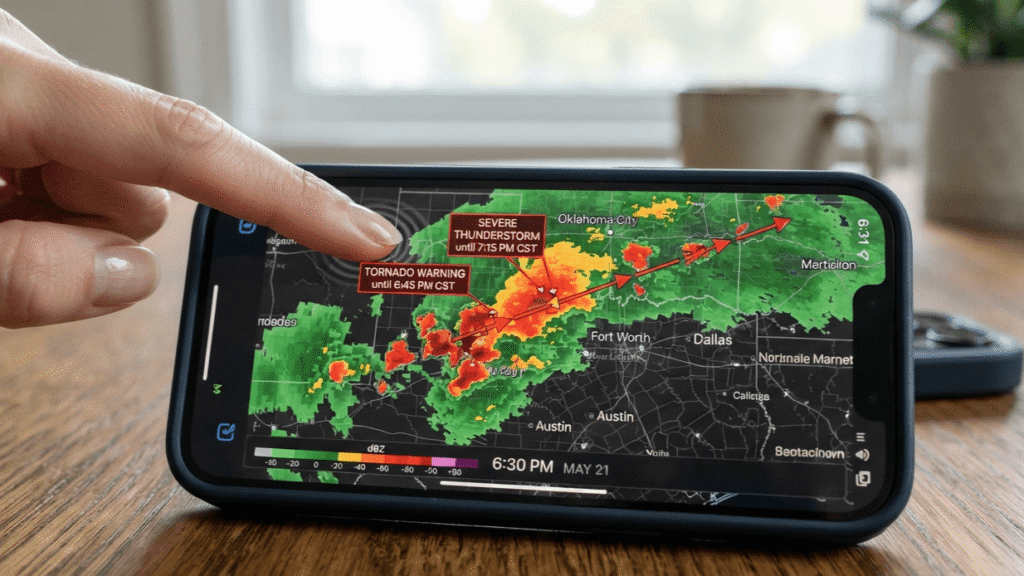
WeatherBug — Free with ads, but the Spark Lightning Network and the sheer number of radar layers you get without paying anything make it a strong free option, especially if severe weather or outdoor activities are a regular part of your life.
All three cover the basics well. The paid tiers across every app in this guide add real value — better radar, more data sources, fewer ads — but none of these three will leave you with an unreliable forecast just because you didn’t pay for it.
Looking for the best beats to accompany your daily commute or rainy day mood? Check out these top unblocked music apps to keep your playlist going anywhere.
Frequently Asked Questions
What is the best weather app for iPhone?
Based on two weeks of daily testing, AccuWeather is my overall pick for the best weather app for iPhone, thanks to its sharp short-term precipitation timing and useful severe weather alerts. That said, Apple Weather is a completely solid free default, and Carrot Weather is worth it if you want more personality and control over your data source.
What is the best free weather app for iPhone?
Apple Weather, Hello Weather, and WeatherBug are the strongest free options I tested. Apple Weather is already built in and ad-free, Hello Weather keeps its free tier surprisingly clean without ads, and WeatherBug’s free version includes its lightning-tracking Spark network along with a large set of radar layers.
Which is the most accurate best weather app for iPhone?
There isn’t one single answer, and I’d be skeptical of any app that claims to be right 100% of the time. Independent forecast-accuracy research has found AccuWeather tends to lead on short-term “nowcasts” — predictions for the next hour or so — while The Weather Channel’s underlying data from The Weather Company has ranked at or near the top for overall multi-day accuracy in longer studies. In my own testing, AccuWeather’s minute-level timing held up best for immediate, “is it about to rain right now” situations.
Is AccuWeather free?
Yes. AccuWeather is free to download and use, supported by ads. A Premium subscription removes the ads for a modest yearly fee, and a Premium+ tier adds hyperlocal severe weather alerts on top of that. The free version still gives you the core forecast, radar, and basic alerts without paying anything.
What weather app has the best radar?
For pure radar quality, MyRadar was the smoothest and fastest to load during my testing, with animated high-definition Doppler radar that felt noticeably more responsive than some of the more feature-packed apps. WeatherBug is a close second if you specifically want lightning-strike tracking layered on top of standard radar.
Two weeks in, I ended up keeping three of these seven apps on my phone: AccuWeather as my daily driver, MyRadar for those moments when I just need to see what’s happening on radar right now, and Apple Weather because, well, it’s already there and the widgets are genuinely great.
None of that means the other four are bad. Carrot Weather is still one of the most entertaining apps I’ve used all year, and WeatherBug earned a permanent spot on my partner’s phone thanks to the lightning alerts. The best weather app for iPhone really does come down to what you personally check for and how often you check it.
If you’re still not sure which one is right for you, my honest advice is to download two of these — pick whichever pair sounds most interesting from this list — and run your own mini version of this test for a week. You’ll know within a few days which one you actually reach for without thinking, and that’s really the only review that matters in the end.
